
Signing up for Rakuten Mobile as a foreigner in Japan takes about 15 minutes online — if you know what to prepare. This guide walks you through every step in plain English.
Last verified: August 7, 2026. Prices shown are standard prices before discounts, from the official Rakuten Mobile website. Always verify current terms before applying.
What you need before you start
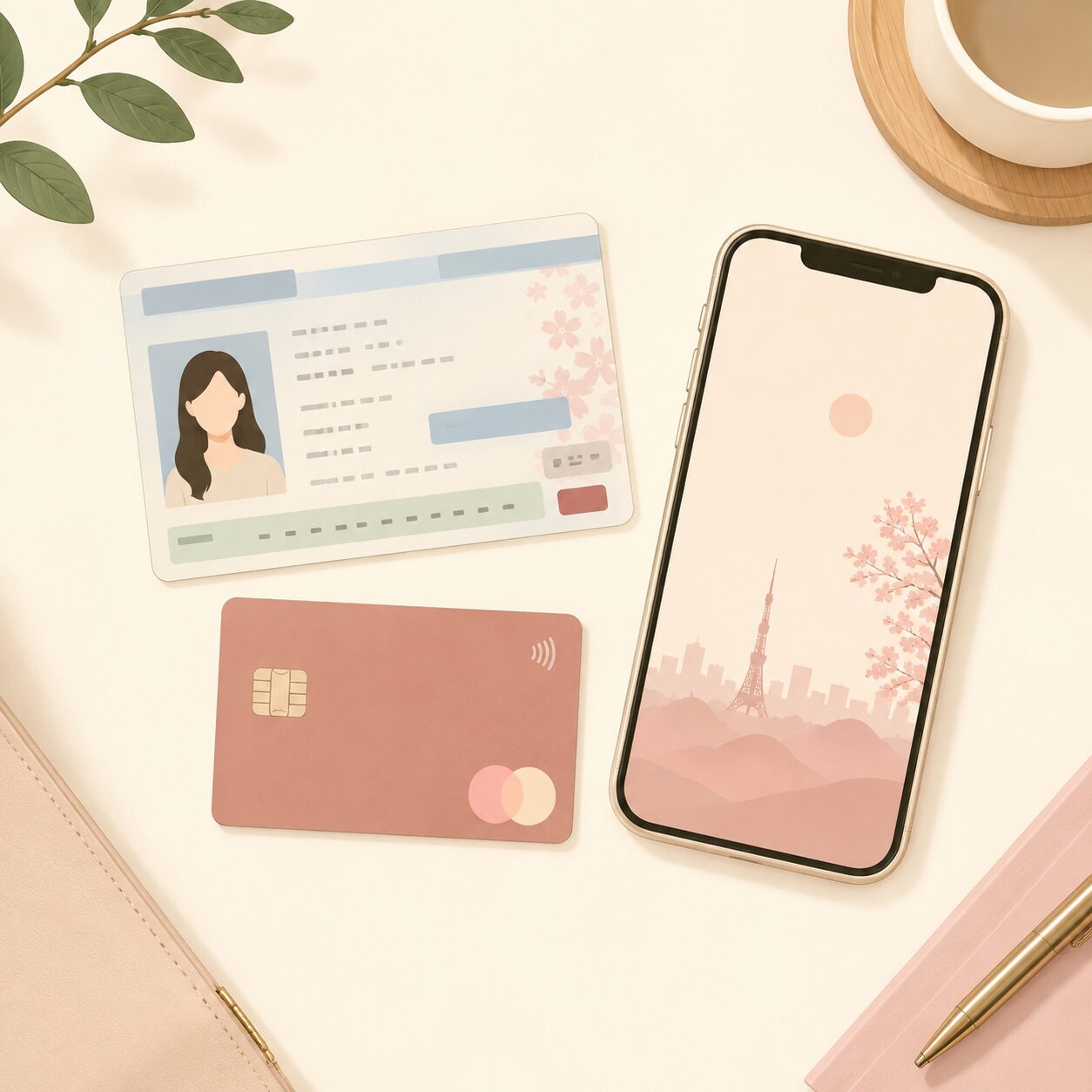
- ✅ Residence Card (在留カード / Zairyu card) — your official foreign resident ID
- ✅ Credit card — Japanese or foreign Visa/Mastercard accepted
- ✅ Your phone — to receive a verification code by SMS
- ✅ Email address — for account registration
You do not need a Japanese bank account or a Japanese credit card.
Step 1: Create a free Rakuten account
Before you can apply for Rakuten Mobile, you need a Rakuten account (楽天会員). It’s free and takes about 3 minutes.
- Open the Rakuten registration page
- Enter your email address and create a password
- Enter your name (romaji / English is fine), date of birth, gender
- Enter your address in Japan and phone number (for verification SMS)
- Click Register
Step 2: Apply for Rakuten Mobile
Once your Rakuten account is set up, the application takes about 10 minutes online.
- Go to the Rakuten Mobile application page and log in with your Rakuten account
- Select your plan — Rakuten 最強プラン
Standard prices (税込): under 3GB ¥1,078/mo · 3–20GB ¥2,178/mo · over 20GB ¥3,278/mo
With Saikyo Family Discount (2+ lines): ¥968 / ¥2,068 / ¥3,168 - Choose your SIM type: physical SIM or eSIM
- Complete identity verification using your Residence Card
- Enter your credit card details
- Confirm and submit
· MNP transfer: up to 13,000 points · New number: up to 10,000 points
· Points are awarded later after eligibility is confirmed. Paid in instalments; 6-month validity per instalment.
· You should log in through the referral link before applying. Check the latest official terms for the eligible login period.
Verify current terms at the official Rakuten Mobile campaign page.
Step 3: After you apply
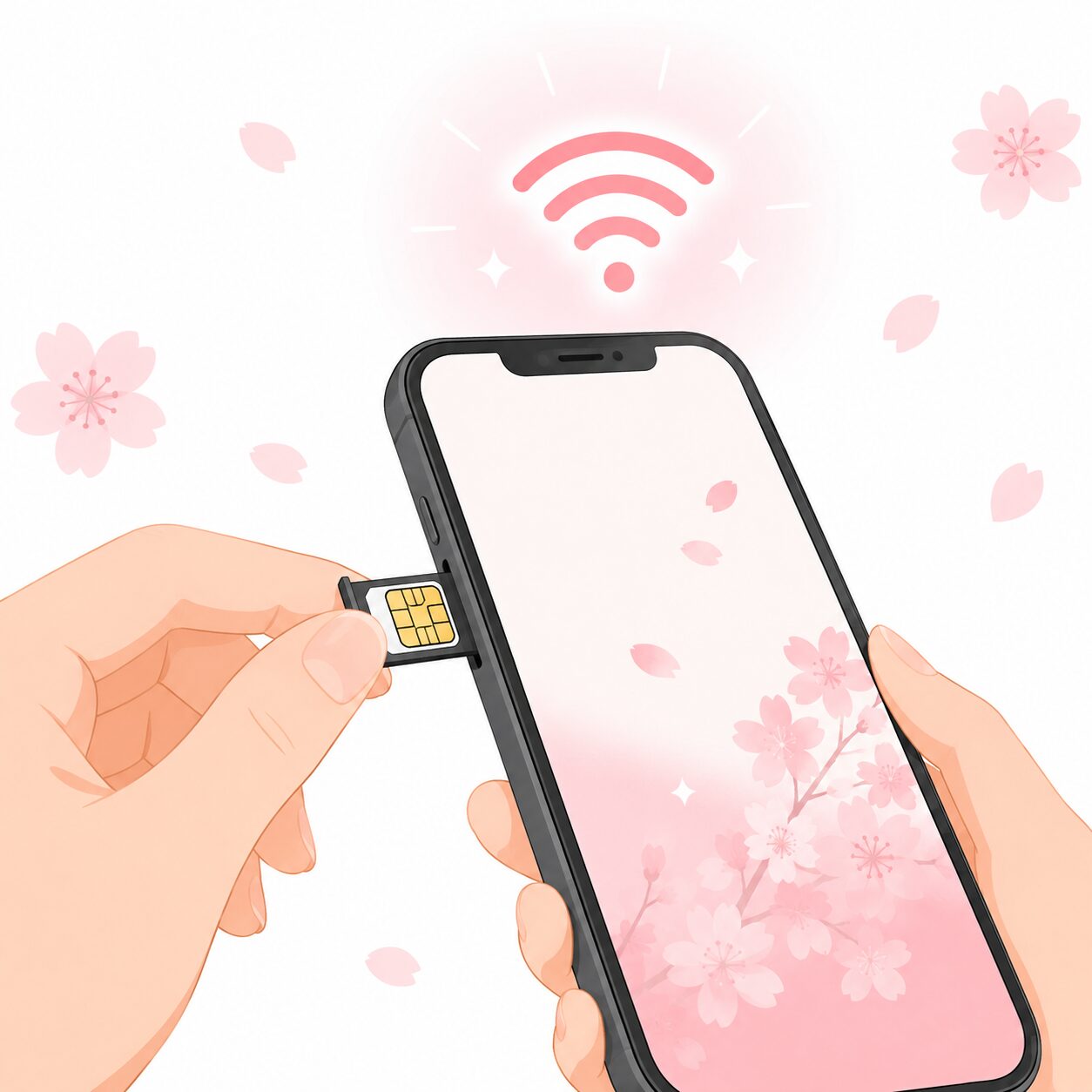
If you chose a physical SIM
- SIM arrives by mail within approximately 3–5 business days
- Insert SIM, open Rakuten Link app, complete activation
If you chose eSIM
- QR code issued — check Rakuten Mobile My Page for status
- Go to phone Settings → Mobile/Cellular → Add eSIM → scan QR code
- Open Rakuten Link app and complete activation
Frequently asked questions
Can I keep my current phone number?
Yes. You can transfer your existing number via MNP (Mobile Number Portability).
- If your current carrier supports MNP One-Stop: You can switch to Rakuten Mobile online without obtaining a separate MNP reservation number first.
- If your carrier does not support MNP One-Stop: Request an MNP reservation number from your current carrier first, then use it during the Rakuten Mobile application.
Check the official Rakuten Mobile MNP guide and your current carrier’s support page to confirm which process applies to you.
Can I use my current phone?
Most unlocked smartphones work with Rakuten Mobile. Check the official compatible device list to confirm.
Is there a contract period?
No. Rakuten Mobile has no minimum contract period. Cancel at any time.
What if I leave Japan temporarily?
If you use under 3GB in a month, you’re charged only ¥1,078 (standard price, tax included). Check the official terms for international roaming details.

Ready? Start here.
Step 1
Create a Rakuten account
Free, takes 3 minutes
Step 2
Apply for Rakuten Mobile
Rakuten 最強プラン · from ¥1,078/mo standard · No contract
Employee referral campaign link. MNP: up to 13,000 pts. New: up to 10,000 pts. Conditions apply.